You know how guests always ask the same questions? Like, 'What's the WiFi password?' or 'How do I turn on the heat?' It's a lot to answer, especially when you're managing multiple properties. Well, there's a better way. Imagine a digital guidebook that puts all that info right on your guest's phone. It makes things easier for them and saves you a ton of time. We're talking about cutting down those repetitive messages by half, maybe even more. This article is all about how to make that happen, focusing on what guests really need to know and how to present it so they actually use it. Let's look at how using a digital guide can help reduce guest questions for your Airbnb.
Key Takeaways
- Digital guidebooks put all essential guest information in one easily accessible place on their phones, cutting down on repetitive questions.
- Key content like WiFi details, check-in steps, appliance instructions, and local tips are vital for guests to find answers themselves.
- Integrating the guidebook link into your communication flow before, during, and after a stay makes it a go-to resource for guests.
- Digital formats are far superior to printed binders or PDFs due to their accessibility, up-to-date nature, and mobile-friendly design.
- Using tools like QR codes and analytics helps provide context-specific information and allows for continuous improvement of the guidebook based on guest usage.
Streamline Guest Communication and Reduce Inquiries
The Impact of Routine Questions on Host Time
If you're hosting guests, you know the drill. That notification ping, usually when you're trying to relax or eat, often means another question. "What's the Wi-Fi password?" "How do I turn on the heat?" "Where can I find extra towels?" These questions, while simple, add up fast. For hosts managing multiple properties, this can turn into a full-time job just answering the same things over and over. It pulls you away from growing your business and can lead to burnout. Constantly reacting to guest messages drains your energy and time.
How Digital Guidebooks Empower Self-Service for Guests
A digital guidebook acts like a virtual front desk for your property. It puts all the important information right at your guests' fingertips, whenever they need it. Think of it as a "second brain" for your rental. Instead of guests having to message you for basic details, they can simply look them up. This allows guests to solve their own problems quickly, making their stay smoother and more enjoyable. It's all about giving guests the tools to help themselves, which in turn, helps you.
Achieving Significant Reductions in Guest Messages
By proactively providing answers in a digital format, you can dramatically cut down on the number of messages you receive. Many hosts report a reduction of around 50% in guest inquiries after implementing a good digital guidebook. This isn't just about fewer notifications; it's about reclaiming your time and reducing stress. When you're not constantly answering the same questions, you can focus on other aspects of your hosting business, like improving the guest experience or managing more properties. A well-structured digital resource can transform your communication flow. You can share this guidebook post-booking to enhance guest excitement and help them plan their trip.
Here's a quick look at how much time can be saved:
| Area Addressed | Typical Reduction |
|---|---|
| Repetitive Questions | Up to 50% |
| Check-in Confusion | Significant |
| Appliance Operation | Significant |
| Local Recommendations | Significant |
Providing clear, accessible information upfront is key. It shifts the dynamic from reactive problem-solving to proactive guest support, creating a more efficient and pleasant experience for everyone involved.
Essential Content for Your Digital Guidebook
So, you're building a digital guidebook. Great move! This is where you pack in all the info your guests will actually need, cutting down on those "how do I?" texts. Think of it as your property's personal assistant, available 24/7.
Prioritizing Wi-Fi and Connectivity Information
This is usually the first thing guests look for. Get this wrong, and you'll be fielding messages the moment they walk in the door. Make sure the network name (SSID) and password are super clear. If you have multiple networks, specify which one guests should use.
- Network Name (SSID): [Your WiFi Network Name]
- Password: [Your WiFi Password]
- Troubleshooting Tips: What to do if the connection drops or is slow. Maybe mention restarting the router as a first step.
Don't just list the password; explain how to connect if it's a bit tricky, like on smart TVs or gaming consoles. A quick screenshot or a few simple steps can save a lot of hassle.
Key Details for Seamless Check-In and Appliances
Check-in instructions need to be crystal clear. This includes how to get into the property (keypad code, lockbox location, etc.) and any specific parking details. For appliances, focus on the ones guests might not use every day. Think coffee makers, smart thermostats, or the fancy TV remote.
- Check-In Procedure:
- Step 1: [e.g., Locate the lockbox by the front door]
- Step 2: [e.g., Enter code 1234]
- Step 3: [e.g., Retrieve the key and lock the box again]
- Appliance Guides:
- Coffee Maker: [Simple instructions on brewing]
- Thermostat: [How to adjust temperature]
- TV Remote: [Basic functions like turning on/off, changing channels]
Leveraging Local Tips and Departure Procedures
This is where you can really shine as a host. Share your favorite local spots – not just the tourist traps, but maybe a great little cafe or a scenic walking path. For departure, make the process easy. A simple checklist helps guests know they've covered everything.
- Local Recommendations:
- Restaurants: [Name, brief description, link to menu]
- Activities: [e.g., Nearby park, museum hours]
- Groceries: [Location of nearest store]
- Check-Out Checklist:
- [e.g., Wash and put away dishes]
- [e.g., Take out trash and recycling]
- [e.g., Lock all windows and doors]
Providing this kind of information upfront means guests can help themselves, which is exactly what you want. It's all about making their stay smoother and your job easier.
Integrating Your Guidebook into Guest Communication Flows
A digital guidebook isn't just a document you create and forget. It needs to be woven into how you talk to your guests from the very first message. Think of it as a tool that helps manage expectations and provides answers before questions even pop up. When it's part of your regular communication, it really starts to cut down on those repetitive inquiries.
Setting Expectations During the Inquiry Stage
Even before someone books, you can hint at the helpful resource they'll get. Mentioning your digital guidebook in your listing description can be a nice touch. It shows you're organized and ready to provide a great experience. It's a subtle way to say, "We've got this covered."
Enhancing the Pre-Arrival and In-Stay Experience
Once a booking is confirmed, send a welcome message that includes a link to the guidebook. This gives guests a chance to look around, maybe check out local spots, or get familiar with the check-in process. A few days before arrival, send the link again, this time focusing on the practical stuff like how to get in and where to find the Wi-Fi password. This is often when guests are actively looking for that information. During their stay, placing QR codes around the property can be super helpful. A code near the Wi-Fi router, for instance, can directly link to the network name and password, cutting down on connectivity questions significantly. You can even integrate your guidebook with messaging platforms, so guests can access it through their preferred channels, like Airbnb messages.
Optimizing Post-Checkout Communication
By the time guests check out, your guidebook has already done a lot of the heavy lifting. It's answered questions about how to use appliances, where to find things, and what to do with trash. This means your final message to guests can be more focused on asking for a review or thanking them for their stay, rather than dealing with last-minute issues. It makes the whole process feel smoother for everyone involved.
A well-integrated digital guidebook acts as a proactive assistant, anticipating guest needs and providing information precisely when and where it's most useful. This reduces friction and frees up your time.
Here's a quick look at how to get the guidebook into guests' hands:
- Listing Description: Mention the guidebook to set expectations early.
- After Booking: Send a welcome email with the guidebook link.
- Pre-Arrival: Resend the link with a focus on check-in details.
- During Stay: Use QR codes for quick access to specific info.
The Advantages of Digital Over Traditional Formats
Remember those thick binders guests used to find on the coffee table? Or maybe you've sent a PDF before arrival? While the intention was good, these methods often fall short in today's fast-paced world. Guests are busy, often arriving tired, and they're already carrying the most powerful tool in their pocket: their smartphone. Relying on outdated formats means you're likely still answering the same basic questions over and over.
Why Printed Binders Fall Short
Printed binders were the go-to for a while, and sure, they looked official. But let's be real, they often end up as decoration. Guests might glance at them upon arrival, but when they need that WiFi password at 10 PM from their bed, they're not going to trek back to the living room to find it. They'll text you. Plus, keeping them updated is a pain. A new restaurant opening? You're reprinting pages. A changed lock code? You're taping notes to the cover. Within months, these binders become outdated and look messy.
Limitations of PDFs and Google Docs
Sending a PDF before check-in is a step up, but PDFs aren't built for mobile viewing. Guests often find themselves pinching and zooming, trying to read landscape-oriented documents on a small screen, and usually give up. Google Docs are a bit better for formatting, but sharing a link can feel a bit unprofessional, and if the guest loses the link or you accidentally change permissions, you're back to square one. It just doesn't present the polished image you want for your property.
The Superior Accessibility and Updatability of Digital
This is where digital guidebooks really shine. They live on your guest's phone, accessible anytime, anywhere. Need to update the WiFi password? You change it once, and every guest, past and future, sees the updated information instantly. No more printing, no more re-sending. It's a mobile-first design, meaning it looks great on any device without any fuss. This constant accessibility and ease of updating mean your guests always have the correct information at their fingertips, reducing their need to contact you for simple queries. It's a much more efficient way to manage guest information and provides a better experience for everyone involved. Platforms like HelloGuestbook are designed specifically for this purpose, making the transition smooth and effective.
Leveraging Technology to Enhance Your Guidebook
So, you've got your digital guidebook all set up. That's great! But we can make it even better, right? Technology offers some pretty neat ways to make your guidebook work harder for you and your guests. It's not just about putting information online; it's about making that information super easy to find and use.
The Role of QR Codes for Contextual Information
Think about it: a guest is standing in front of the TV, remote in hand, totally confused. Instead of them digging through your guidebook or sending you a text, what if they could just scan a code right there? That's where QR codes come in. You can place these little squares all over your property. Scan one near the coffee maker, and bam, they get a quick video or step-by-step guide on how to use it. Same for the thermostat, the washing machine, or even where to find extra towels. It puts the right information exactly where and when they need it. This cuts down on those repetitive questions and provides a more streamlined experience for your guests.
Maintaining and Updating Your Digital Resource
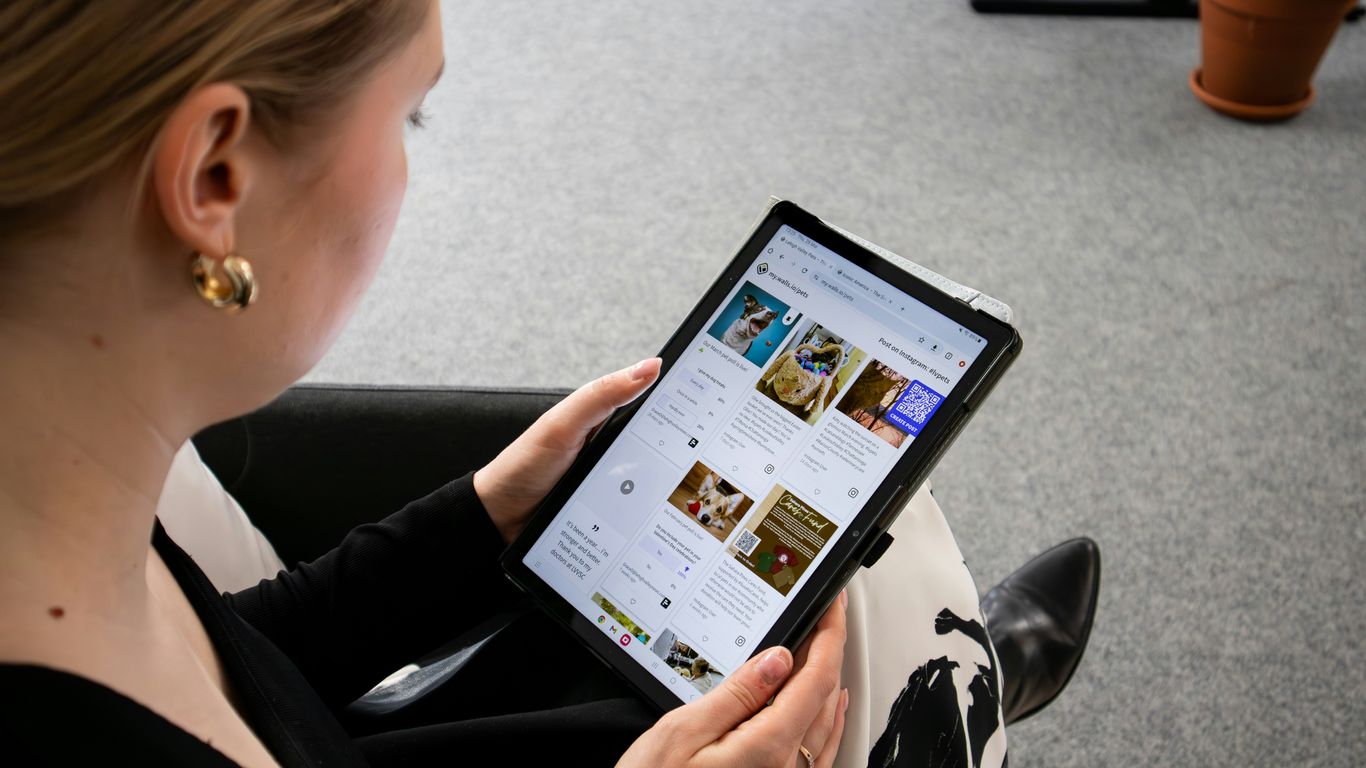
So, you've put together a fantastic digital guidebook. That's great! But here's the thing: it's not a 'set it and forget it' kind of deal. Think of it more like a garden. You plant the seeds, sure, but then you've got to water it, pull the weeds, and make sure it's getting enough sun. Your digital guide needs that same kind of attention to stay useful and keep those guest questions to a minimum.
The Importance of Regular Content Reviews
It sounds like a chore, I know. But honestly, just setting aside a little time every few months can make a huge difference. You want to make sure everything in there is still accurate. Did the local coffee shop change its hours? Is the Wi-Fi password still the same? These little details matter. A guide that's out of date can be more frustrating than no guide at all. It's about keeping that trust with your guests. If they can rely on your guide, they'll keep using it.
Updating Seasonal Information and Property Changes
Properties change, and so does the world around them. Maybe you added a new smart TV, or perhaps the rules about recycling got updated. You need to reflect that in your guide. And don't forget about seasonal stuff! If you're in a ski town, you'll want to update recommendations for winter activities in the fall. If it's summer, maybe highlight local farmers' markets. It keeps the information fresh and relevant to whatever time of year your guests are visiting. It's also a good idea to check your local recommendations. A place that was a hidden gem last year might be super popular now, or maybe it closed down. Keeping this information current is key to providing a great guest experience, and it helps them discover the best of your area.
Gathering Guest Feedback for Refinement
Your guests are the ones actually using the guide, so who better to tell you what's working and what's not? Most digital guidebook platforms, have built-in ways to collect feedback. You can ask for quick ratings during their stay or send out a short survey after they check out. Pay attention to what they say. Are they confused about how to use the oven? Is the check-out procedure unclear? This feedback is gold. It tells you exactly where to focus your updates. You might think you've covered everything, but a guest's perspective can highlight blind spots you never even considered. It's a continuous loop of improvement, making the guide better with every stay.
Keeping your digital guidebook current isn't just about accuracy; it's about maintaining the value it provides. An outdated guide can lead to frustration, negating the benefits of having one in the first place. Regular checks and incorporating guest feedback are vital steps to ensure your resource remains a helpful tool for every visitor.
Wrap Up: Less Hassle, Happier Guests
So, ditching the old paper welcome book for a digital one really does make a difference. You'll find yourself answering fewer basic questions, which means more time for you. Plus, guests get the info they need right away, making their stay smoother. It's a win-win. Think about it – less time spent texting about WiFi passwords and more time enjoying your hosting gig. A good digital guidebook, like the ones you can build with tools such as HelloGuestbook, is a simple step that pays off big time for both you and your guests.
Frequently Asked Questions
What exactly is a digital guidebook for my rental?
Think of it like a super helpful online guide for your guests. Instead of a bulky binder they might never look at, it's a website they can easily see on their phone. It has all the important stuff like the Wi-Fi password, how to use the TV, where to find the best pizza nearby, and what to do when they leave. It's like having a friendly assistant ready 24/7.
How does a digital guidebook stop guests from asking so many questions?
It's all about having the answers ready before they even have to ask! Most guest questions are pretty common, like 'What's the Wi-Fi password?' or 'How do I turn on the heat?'. A digital guidebook puts all those answers in one easy place. So, instead of texting you, guests can just look it up themselves, saving you time and them frustration.
Can I really reduce guest questions by half?
Many hosts find that their messages drop significantly, sometimes by 50% or even more! This happens because guests can find answers to everyday questions on their own. It doesn't mean guests stop having questions, but rather that they can solve most of them instantly through the guidebook without needing to wait for you to reply.
What's the best way to share the digital guidebook with my guests?
You can share it in a few ways! Send the link in a message right after they book, or again a day or two before they arrive so they can plan ahead. You can also put a QR code in the rental itself that guests can scan with their phone to get instant info, like how to use the coffee maker.
Is a digital guidebook better than a printed one?
Definitely! Printed books get outdated quickly, can be hard to read on a phone, and often end up collecting dust. Digital guidebooks are always up-to-date because you can change them anytime. They're designed for phones, so they're super easy to use, and guests can access them from anywhere, even before they get to your place.
How do I keep my digital guidebook updated?
It's easy! You just need to check it every few months. Update any information that has changed, like a new restaurant recommendation or a change in how an appliance works. You can also ask guests for feedback to see if there's anything missing or unclear. Keeping it fresh means it stays super helpful for everyone.
Get started free—one guest link for answers, fewer pings for you.