Every page leads to the next
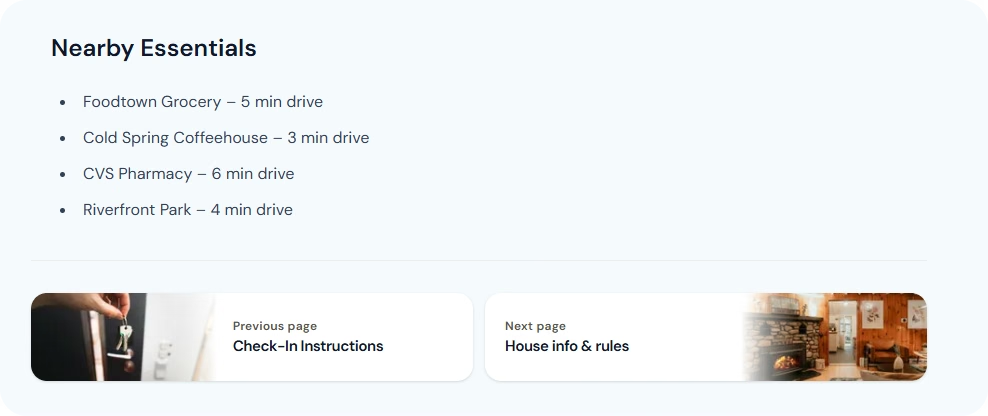
Each page in your guidebook now ends with a Previous and Next card, with the photo from that section. A guest who finishes reading the house rules can go straight to Help & Emergency, instead of going back to the overview to find the next page.
It works while you edit, too. You can move through your guidebook the same way your guests do.
Know what you pay, and when
Billing should never be a guessing game, so we went through it properly:
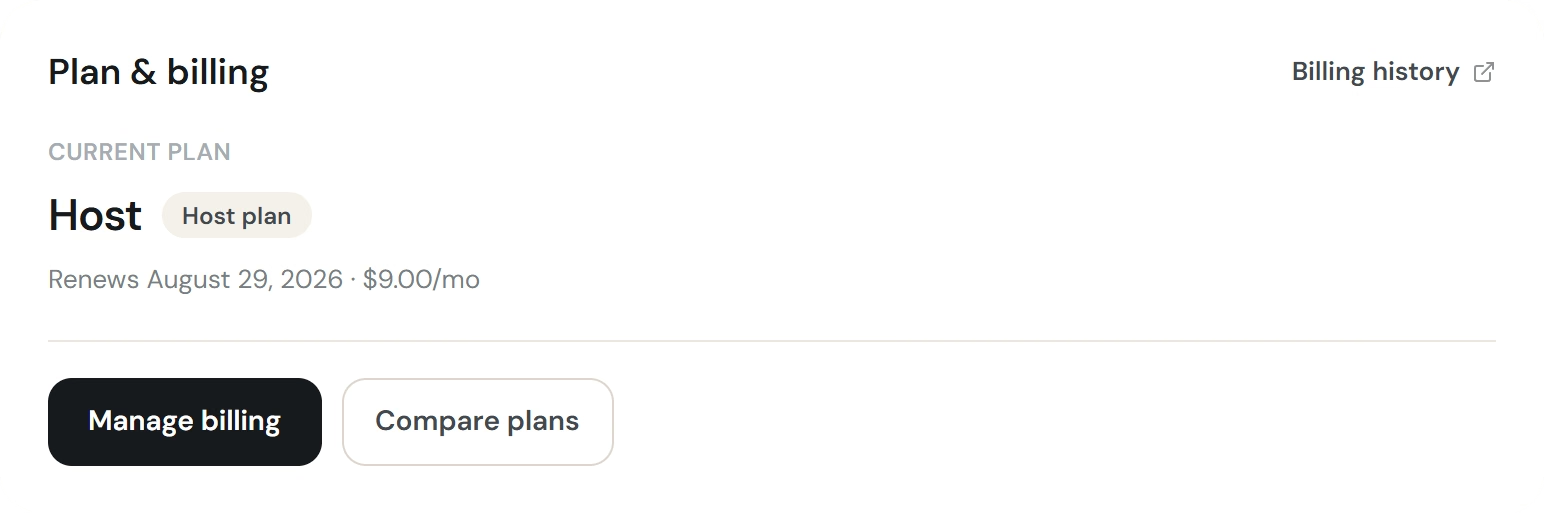
- See the real amount of your next charge, not an estimate.
- If you've cancelled, your plan shows the date it runs until.
- Cancel or switch plans straight from the plan picker, including during a trial.
- Trial and paid plans are labelled honestly, so you always know which one you're on.
Your plan, your next charge and your options now sit in one place.
Choose which emails you get
There's a new Email preferences page in your account. Turn marketing emails on or off whenever you like. Anything important about your account still reaches you.
A first step towards translations
Proper translation is something we have been looking at for a while, and we would rather do it well than do it quickly. So we are starting with one small piece of it.
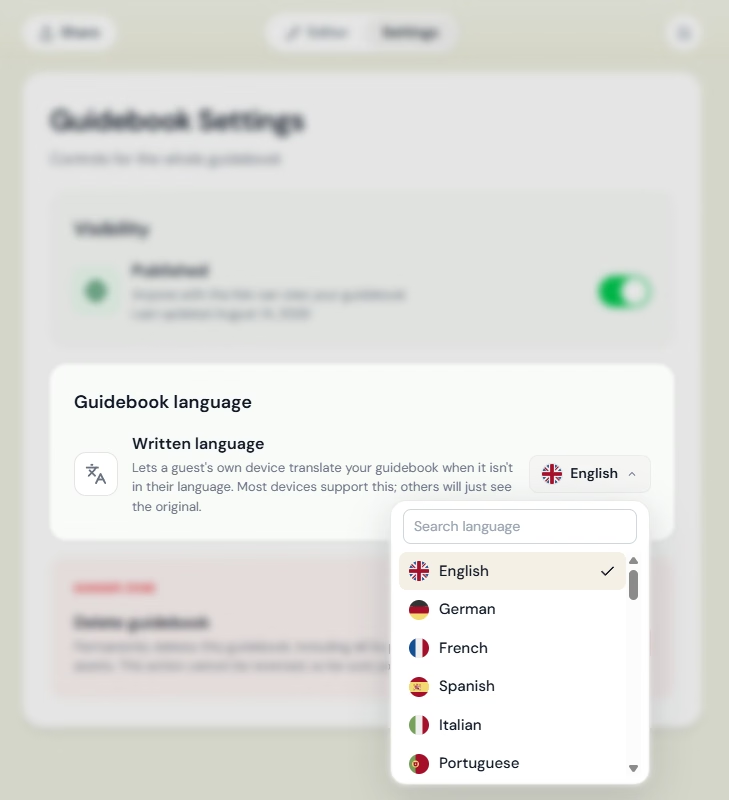
Under Settings you can now tell us which language your guidebook is written in. That helps in two ways.
Today. Most phones can already translate a web page by themselves, and knowing your language helps them get it right. Without it your guest's phone works the language out from your text, and some languages are easy to mix up.
Later. If we build our own translation service, it could mix up close languages just as a phone would. Knowing your guidebook's language up front will make that translation more accurate.
One thing to keep in mind today: your guests' phones are not all the same. Some cannot translate at all, and some can but hide the option. Chrome usually offers to translate on its own. Safari on an iPhone can do it too, but it's hidden behind a button in the address bar. So for now it's not our recommendation to rewrite your guidebook and rely on these translations just yet.
Small fixes that add up
- Pages load faster, with less content moving around as they open.
- The back arrow now goes where you expect: up to the guidebook overview, every time.
- Searching for your listing's address now puts street addresses first. Adding a place to the map puts shops, cafés and landmarks first.
- The map picker shows the address you picked, or its coordinates when the place has no address.
- On the free plan, the branding bar at the bottom of the page no longer overlaps with your content.
Open your guidebook and take a look. As always, tell us what you think with the Feedback button.