Edit what guests actually see
The new editor puts you inside your guestbook. Change the title, cover photo, and sections on the same page your guests visit. You no longer switch between an editor and a preview. What you see is what they get.
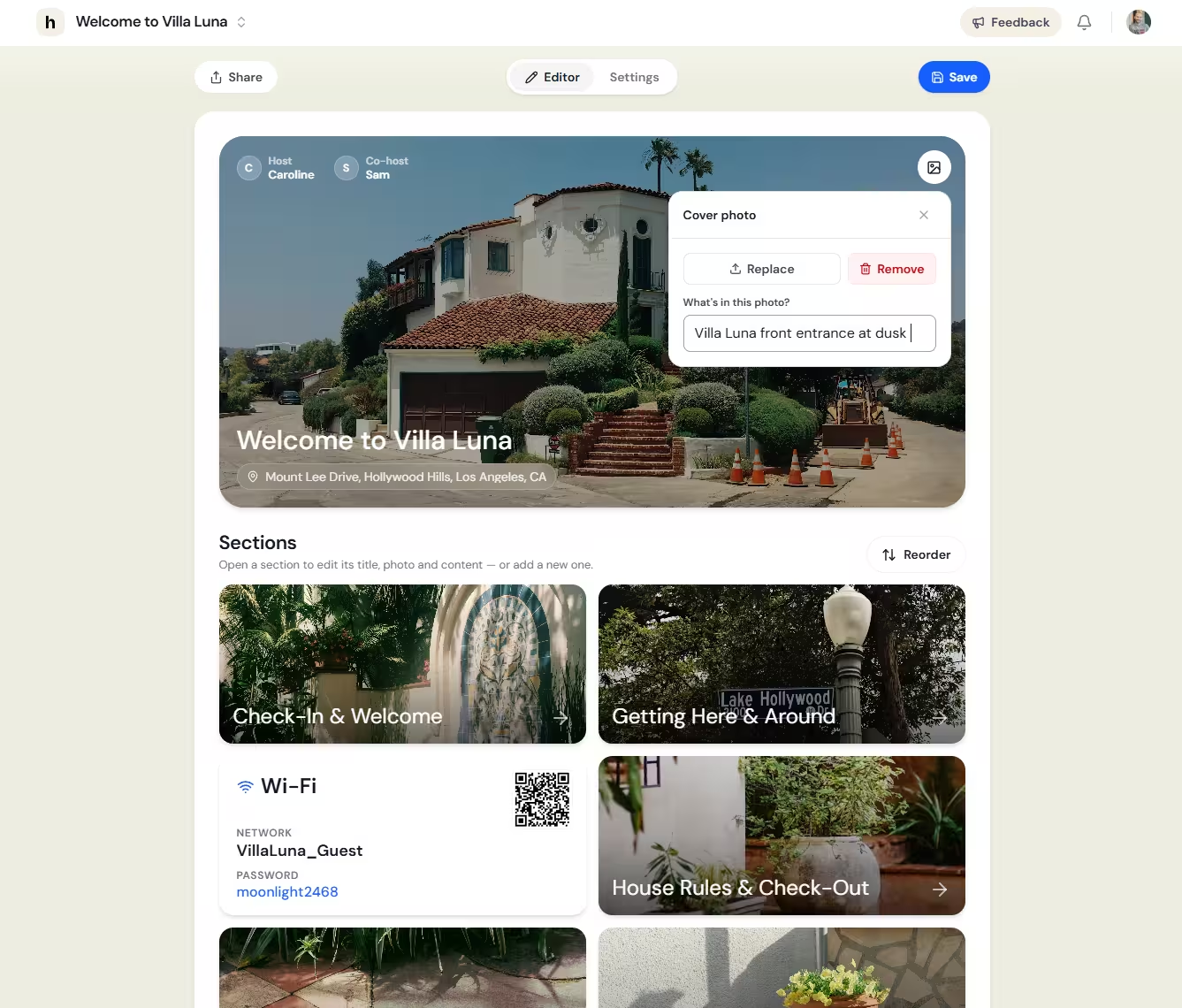
Quicker to work with
Every section opens in place. Adding content, updating photos, and reordering blocks takes fewer steps. The layout makes it clearer what to tap and what to change.
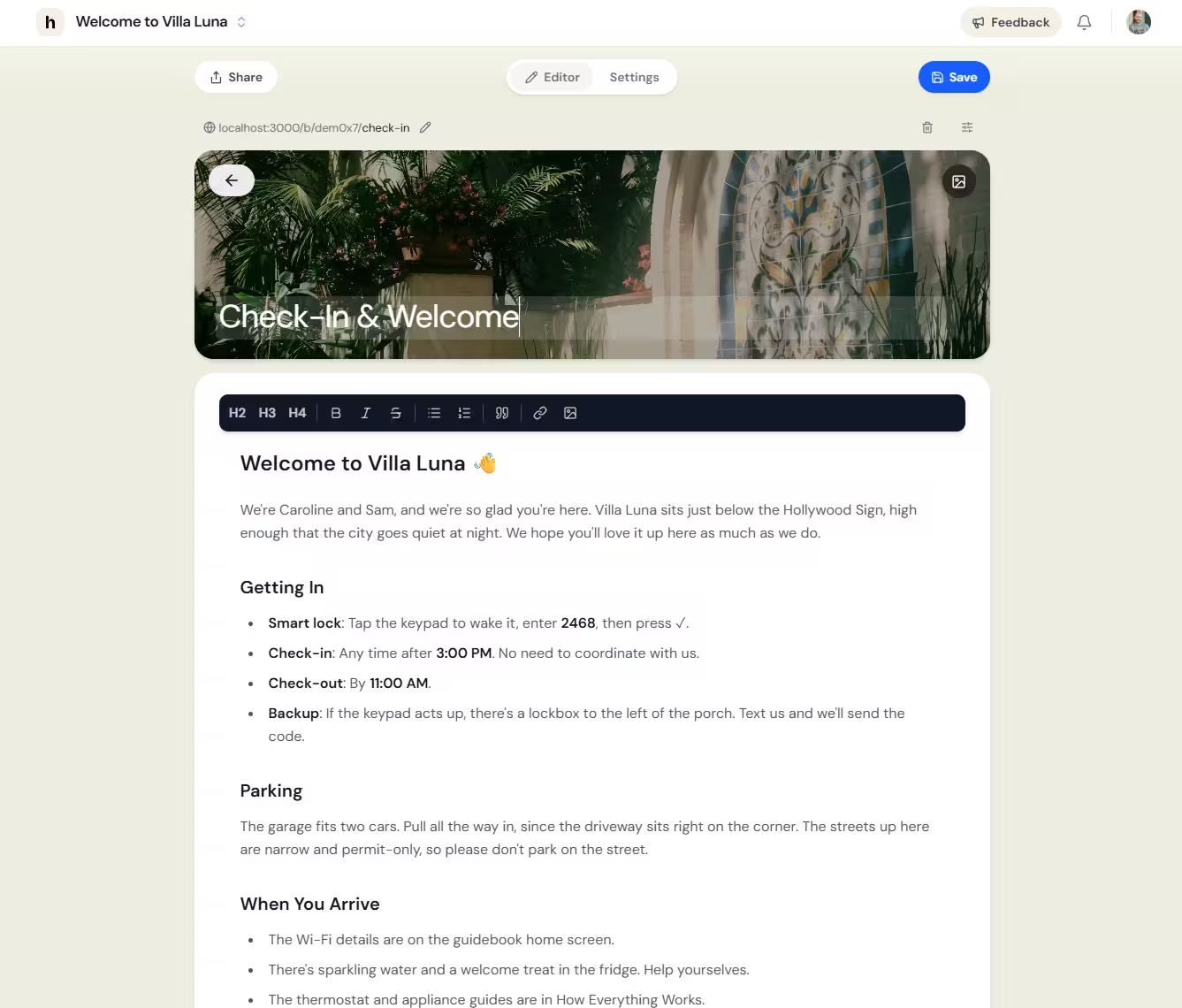
Guest pages updated too
We refreshed several pages your guests open during a stay. The Wi-Fi page has a cleaner layout with the QR code easy to find. Help & Emergency is easier to read, with clearer contact details and local services. The map was rebuilt entirely. Read about the new map.
Smaller changes worth knowing
You can delete any section now: Wi-Fi, Help, Map, links, and custom pages. Nothing is mandatory. Keep only what fits your property.
The Help page cover photo is editable, same as your main cover. Swap the default for a photo of your property or neighbourhood.
If something needs a small fix when you save, we point you to the field right where you are working.
New guestbooks start empty. Add sections when you need them instead of removing ones you did not ask for.
What is next
We rebuilt the platform to make future updates faster. More is on the way.
Jump into any listing and have a look around. We'd love to know what you think. Send us your feedback via the Feedback button.